Home Page
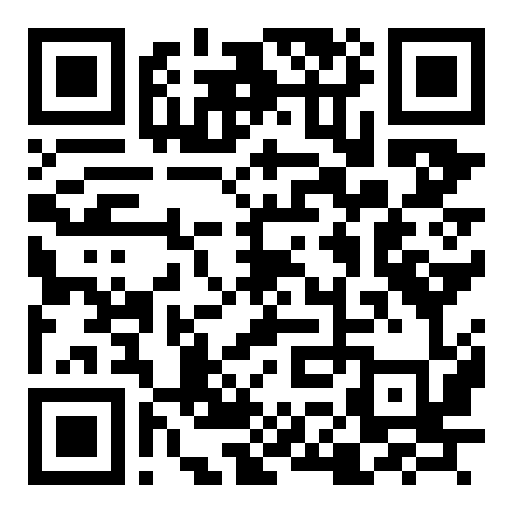
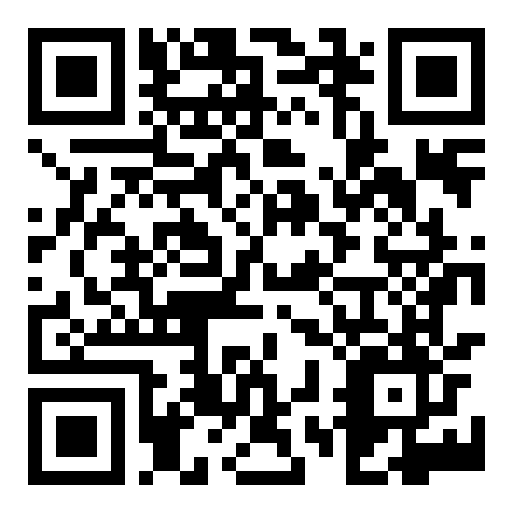
Download BeDi Game for Windows, Android and MAC or scan the QRCodes for Android and IOs Bedi Apps |
||||

|
|

|
|
|
|
Windows |
Android* |
Mac |
Android |
IOs |
Get access to the platform and user analytics
The versions of Beyond Digits downloaded from this website can be used with per-user analytics. To get login access to the platform, please send us an email at info@omegatech.gr with the subject "Beyond Digits Access to Analytics". We will reply with your login details and Manual.
Email us to request access*How to install the game on Android
Download directly on your Android device
- On your phone or tablet, open Chrome (or another browser) and go to:
bedigame.app-host.eu - Tap the Android download button. If the browser warns that this type of file can be harmful, tap Download anyway.
- When the download finishes, tap Open in the notification. You can also open the Files app, go to Downloads and tap the APK file.
- If Android says your browser isn't allowed to install apps, tap Settings, turn on Allow from this source, then go back.
- Tap Install. If Google Play Protect shows a warning, tap More details and then Install anyway.
- Tap Open to start the game.
Download on a PC or laptop and copy it with a USB cable
1. On your computer
- Go to bedigame.app-host.eu and download the Android APK. It will be saved in your Downloads folder.
2. Copy the APK to your phone
- Connect your phone to the computer with a USB cable. Use a data cable, because some cables only charge.
- Unlock your phone. Swipe down to open the notifications, tap the USB notification and choose File transfer. On some phones it's called Transfer files or MTP.
- Copy the file:
- Windows: Open File Explorer and go to This PC. Open your phone, then Internal storage, then the Download folder. Drag the APK into that folder.
- Mac: Macs can't open Android storage on their own. Install the free app OpenMTP, open it, and drag the APK into your phone's Download folder.
- Wait for the copy to finish, then unplug the cable.
3. Install it on your phone
- Open the Files app, go to Downloads and tap the APK file.
- When Android asks, tap Settings, turn on Allow from this source for the Files app, then go back.
- Tap Install, then Open.
Good to know
- After installing, you can turn the permission back off. Go to Settings > Apps > Special app access > Install unknown apps.
- If you see "App not installed":
- Free up some storage space on your device.
- Uninstall any older copy of the game, then try again.
- Check that your device's Android version is recent enough for the game.
- Menu names can be slightly different depending on your phone brand and Android version.